Many people don’t consider formatting a USB drive until a problem arises. Perhaps the format you need isn’t available, or your device simply won’t recognize the USB. This is usually when frustration sets in.
If you’ve ever been stuck trying to format a large USB to FAT32 and Windows simply won’t cooperate, you’re not alone. This is exactly where FAT32 GUI Formatter becomes useful.
Instead of diving into technical workarounds, this tool offers a straightforward fix. But when do you actually need it?
Let’s walk through some common, real-life situations where FAT32 GUI Formatter can save you time and effort.
When to Use FAT32 GUI Formatter for SD Cards & USB Drives?
1. When Windows Tools Fall Short
Windows has built-in tools for formatting, but they don’t always cover every situation.
You might run into issues like:
- FAT32 not appearing as an option
- Formatting errors
- Complicated steps with command-line tools
This may seem needlessly hard to someone who simply wants a fast repair.
By providing a more straightforward method, GUI Formatter closes that gap.
2. Formatting Large USB Drives to FAT32
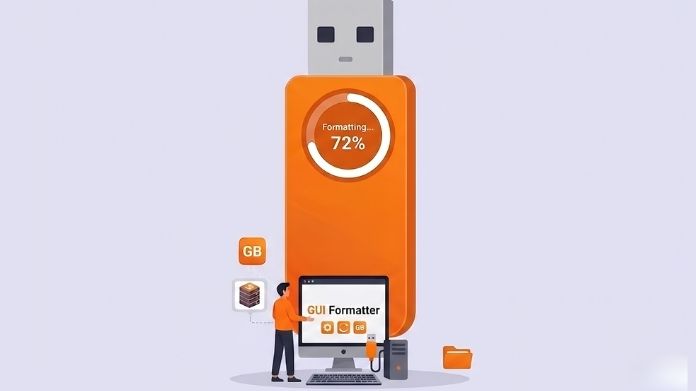
Let’s say you have a 64GB or 128GB USB drive and need it in FAT32. You open the Windows format option only to find that FAT32 is not shown there.
It can feel confusing at first, but the issue isn’t your USB. It’s just a built-in Windows limitation, which doesn’t show FAT32 for drives over 32GB, even though it still works perfectly fine.
This is where many people get stuck or assume it’s not possible.
In reality, it is possible and much simpler than it looks. FAT32 GUI Formatter removes this restriction and lets you format large USB drives to FAT32 in just a few clicks.
So if the option seems missing, it’s not the end of the road, just a case where the default tools fall short.
3. Using USB Drives with Gaming Consoles
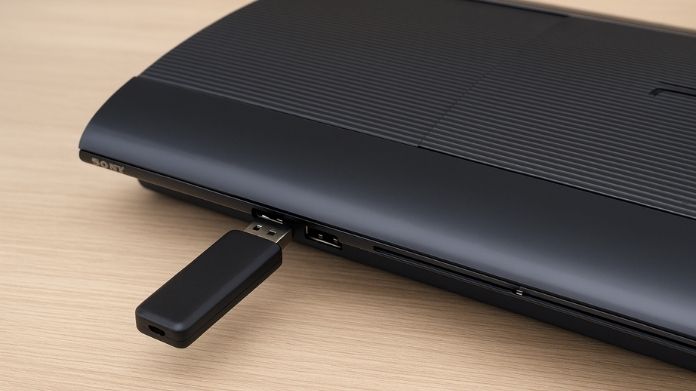
Imagine copying files to your USB for your console, plugging it in, and… nothing happens. No detection, no files, just silence.
This is a common issue, and in many cases, it comes down to the file system. Some consoles prefer or require FAT32 for certain tasks.
Instead of guessing what went wrong, formatting the USB correctly often fixes the problem instantly. GUI Formatter makes that process quick and stress-free.
4. Connecting USB to Smart TVs and Media Devices
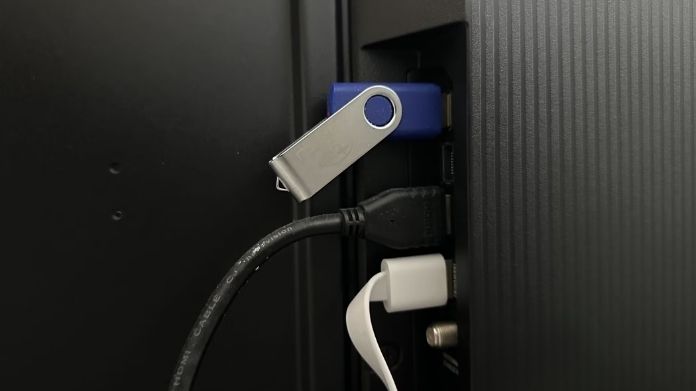
Smart TVs and media players can be surprisingly picky. You might load up your USB with movies or music, plug it in, and find that your TV nothing shows up.
It’s not always the files; it’s often the format.
Many of these devices work best with FAT32, especially older models. GUI Formatter helps ensure your USB is in the right format so your content actually shows up when you need it.
5. Preparing a USB for Car Audio Systems
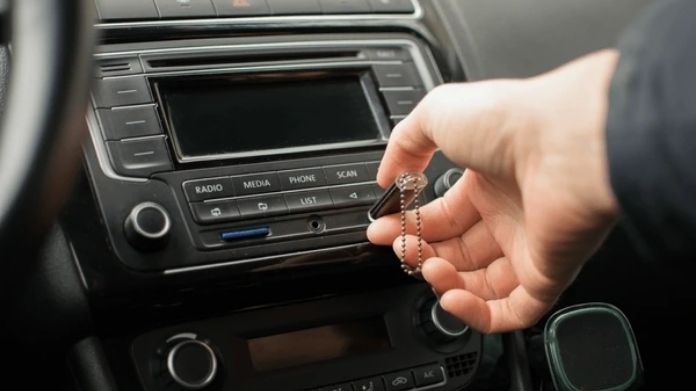
Compatibility is most important in car audio systems. You may expect your USB drive to work smoothly, but you might see limited file access or no response at all.
This usually happens because the system supports FAT32 but not other formats.
By formatting your USB properly, you avoid those annoying moments where your playlist won’t play during a drive. FAT32 GUI Formatter makes that fix quick and reliable.
6. Creating Bootable or Firmware Update Drives
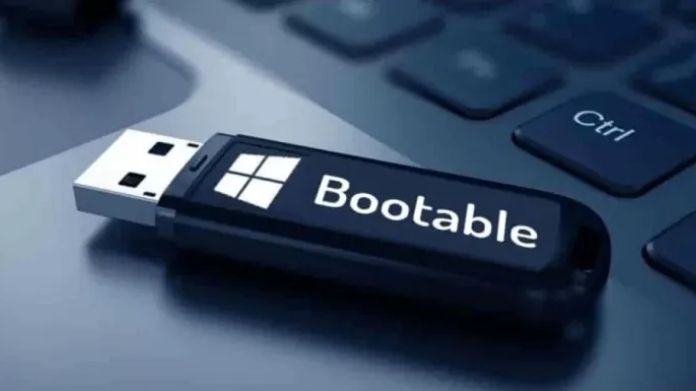
Some tasks are more technical, like creating a bootable USB or preparing a drive for a firmware update. In these cases, FAT32 is often required.
Using the wrong format can lead to failed updates or devices not recognizing the USB at all.
GUI Formatter makes it easy here. Instead of worrying about settings or problems, you can concentrate on getting the setup correct the first time.
7. Avoiding Technical Complexity

Not everyone is comfortable using advanced tools like DiskPart or typing commands into a terminal. And honestly, you shouldn’t have to.
If all you want is a properly formatted USB, a simple interface makes a big difference.
That’s what makes GUI Formatter so appealing, it keeps things straightforward and reduces the chance of mistakes.
Quick Recap: When GUI Formatter Helps the Most
GUI Formatter becomes useful when:
- You’re working with large USB drives that need FAT32
- Your device has compatibility issues
- Windows tools don’t give you the option you need
- You want a fast and easy solution without technical steps
Final Thoughts
GUI Formatter isn’t something you’ll use every day, but it may make a difficult scenario lot easy.
It offers a simple way to get your USB to function correctly, rather than having to battle with missing options.
In the end, it’s more about solving a problem fast than it is about technology, which is exactly what GUI Formatter does.